Launch faster
Choose from ready hosting homepage concepts and adapt them for shared hosting, cloud, servers, reseller services, or agency packages.

MaxHost gives hosting providers, resellers, and agencies a niche-ready preview path: hosting homepage demos, WHMCS client-area templates, domain-search sections, WooCommerce support, and builder-ready page blocks in one ThemeForest item.
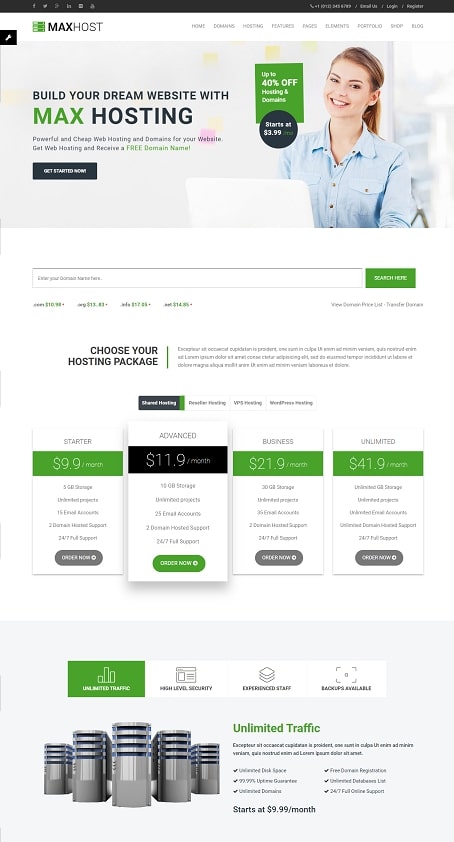
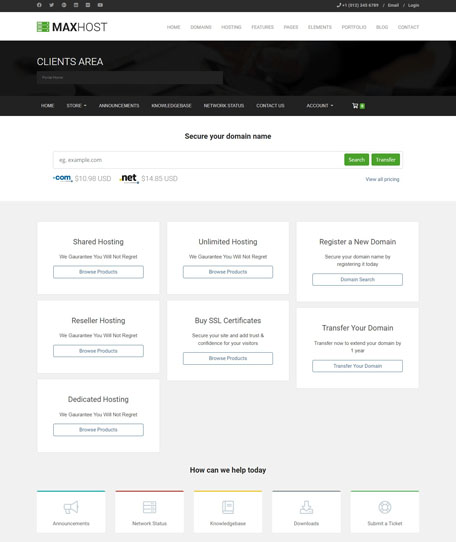
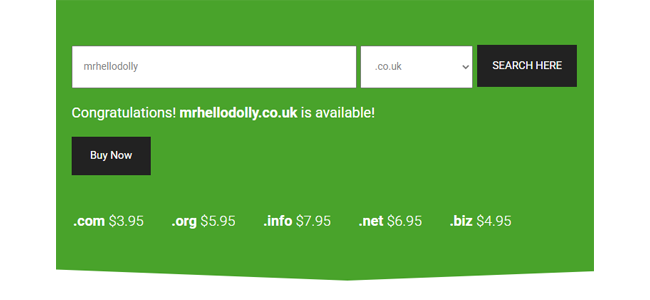
Hosting websites need more than a polished homepage. Visitors compare plans, search domains, check service categories, and move into billing or client-area screens. MaxHost is planned around that buying journey, so the demo page should prove hosting-specific fit quickly.
Use the WordPress demos for your marketing site, the WHMCS templates for client-area continuity, and the included business sections to present hosting, cloud, domain, SSL, reseller, or agency services with less layout guesswork.
MaxHost’s strongest value is the way its demos, WHMCS templates, and hosting blocks reduce the setup decisions that usually slow down hosting-company websites.
Choose from ready hosting homepage concepts and adapt them for shared hosting, cloud, servers, reseller services, or agency packages.
Show buyers a smoother path from marketing pages into billing, cart, or client-area screens with matching WHMCS template styles.
Use pricing, domain-search, service, and call-to-action sections that are built around hosting purchase behavior.
Work with Elementor widgets, WPBakery modules, WooCommerce support, and importable templates instead of hand-building every section.
The demos are grouped by practical buyer intent: homepage concepts, WHMCS client-area templates, hosting conversion blocks, builder workflow, and business integrations.
Start with a homepage direction that matches the type of hosting or technology business you want to present.
A modern hosting homepage for buyers who want the newest MaxHost presentation.
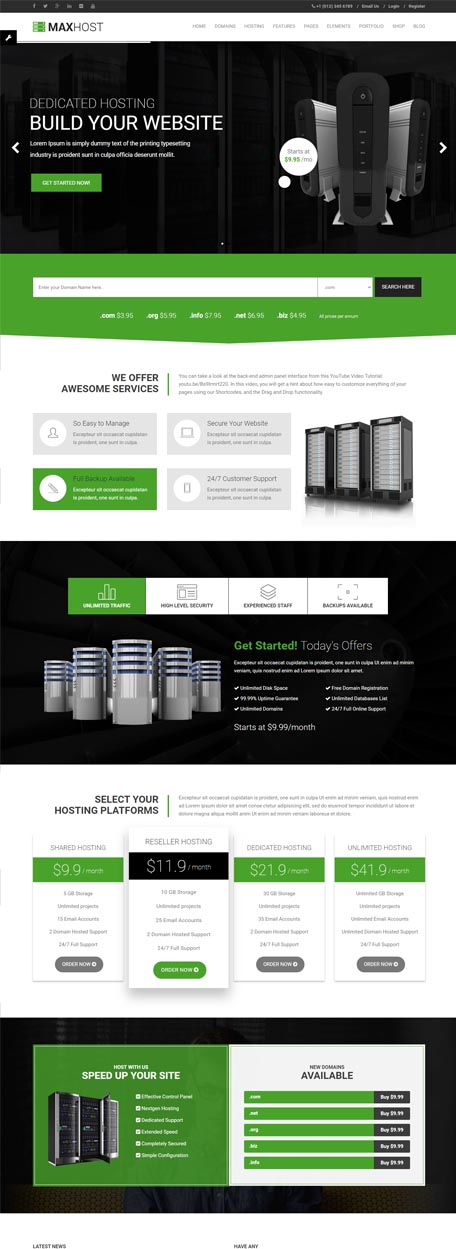
A broad hosting-company layout for plan comparison, domain search, and service highlights.
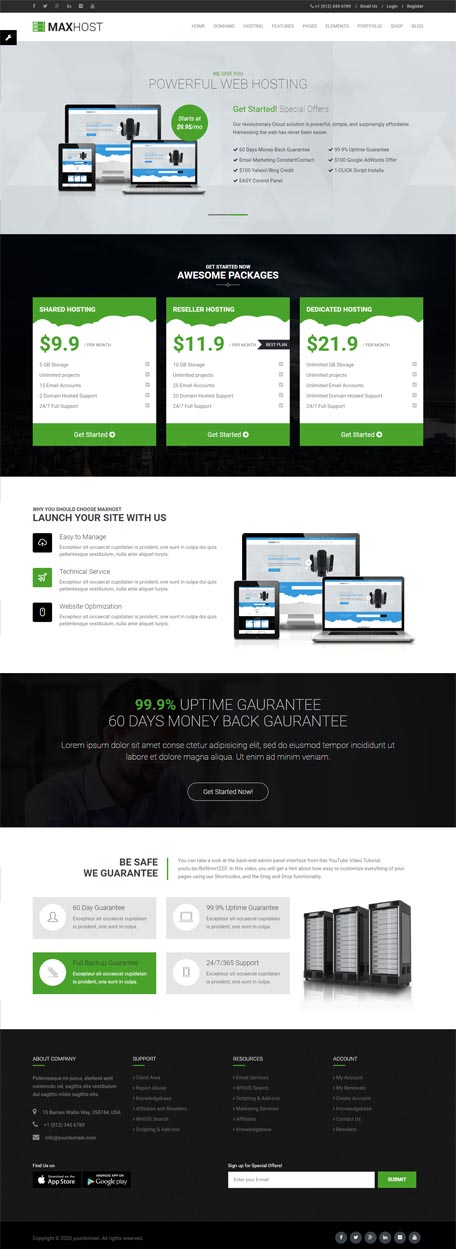
A polished landing-page direction for providers that need a cleaner marketing-first homepage.
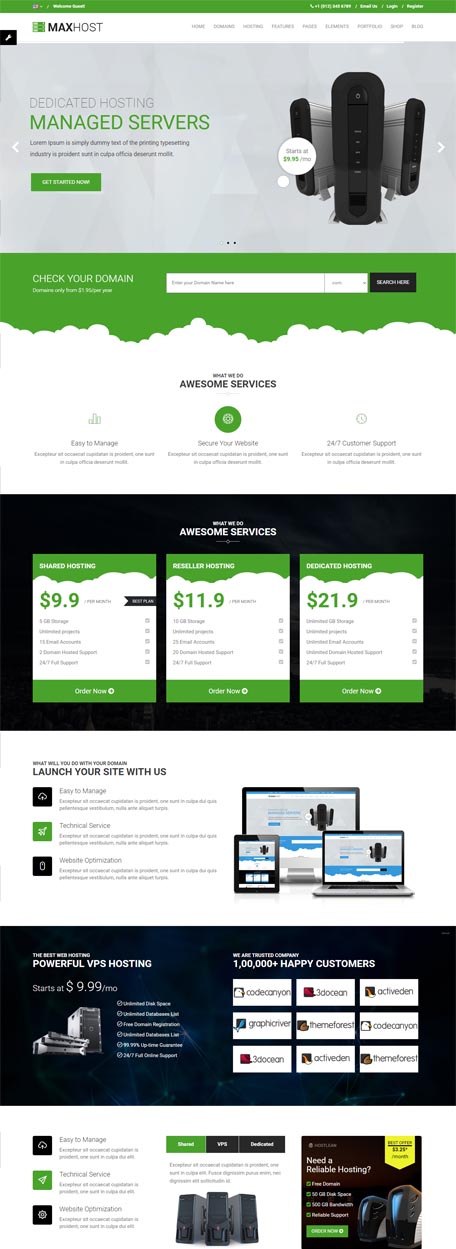
A useful direction for VPS, dedicated server, infrastructure, and managed hosting offers.
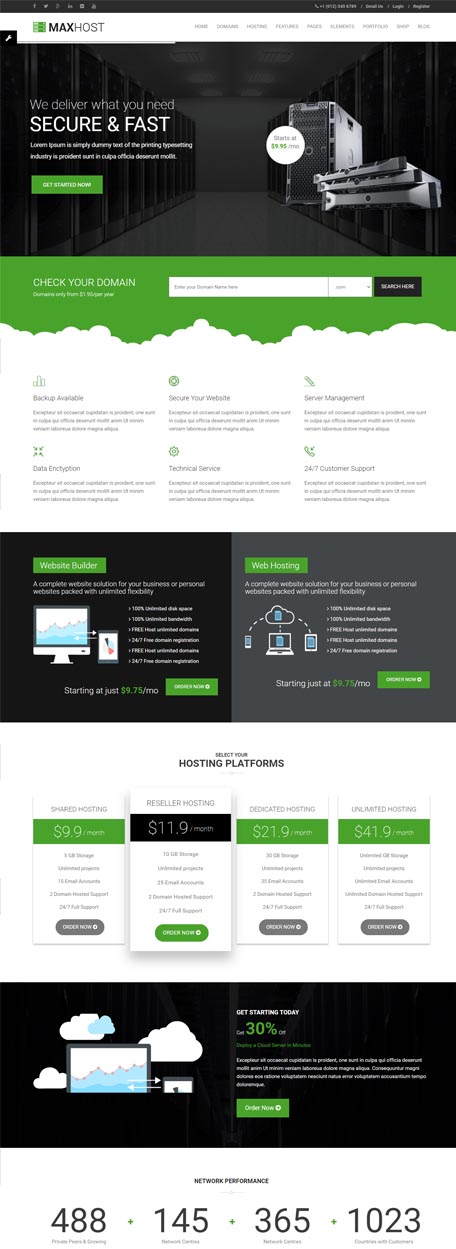
Position control-panel hosting, performance benefits, and server-management services clearly.
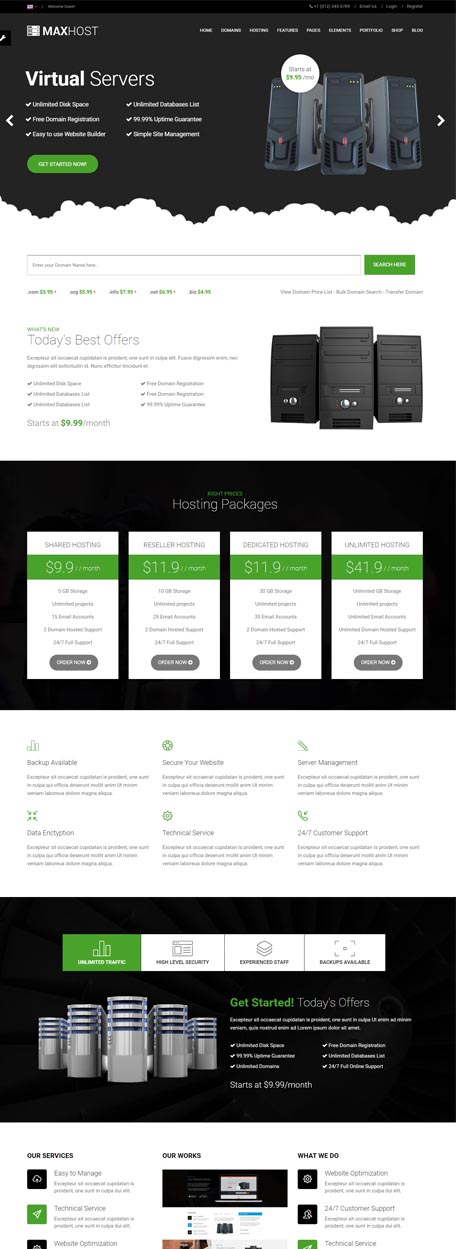
Use a cloud-focused concept for scalable hosting, business cloud, and high-availability services.
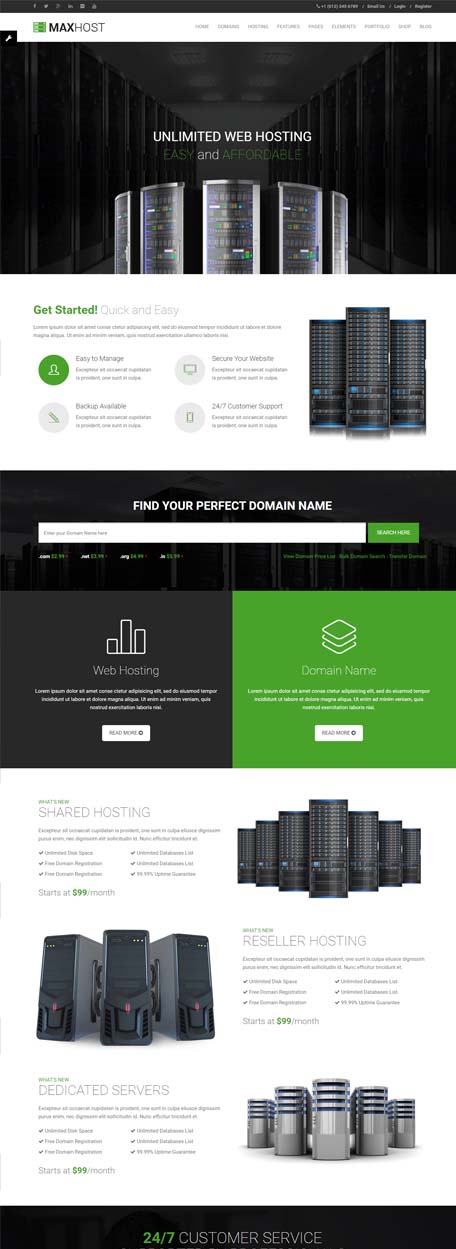
A flexible layout for agencies selling hosting, maintenance, domains, or bundled services.
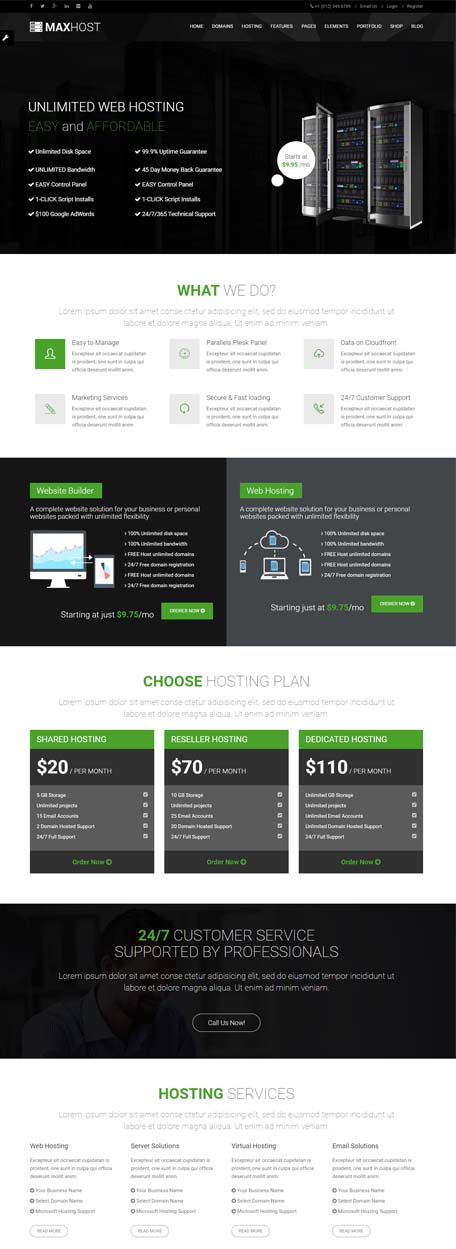
Showcase multiple service categories for providers that sell more than one hosting product.
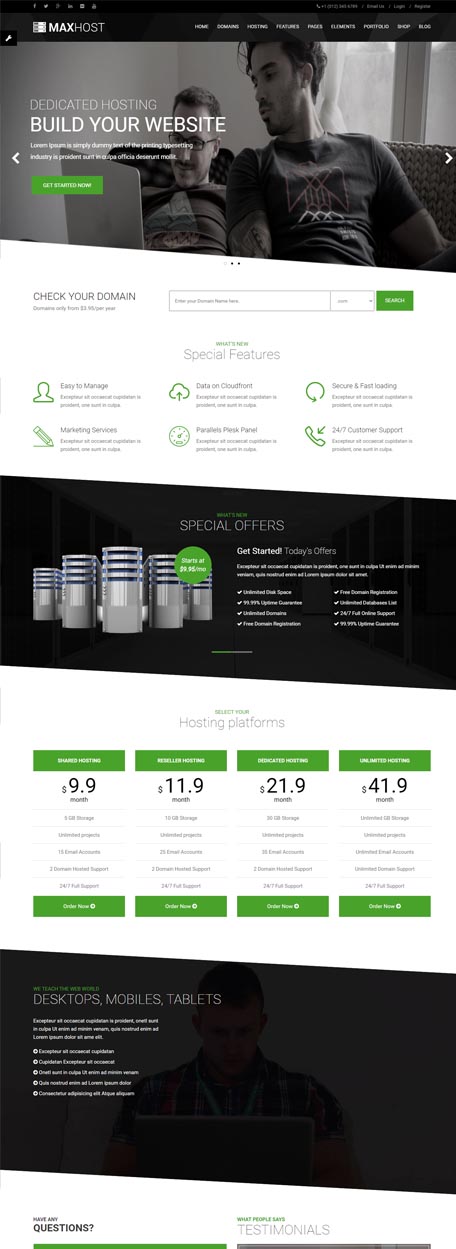
Lead with service explanations, plan highlights, and conversion sections for hosting buyers.
MaxHost’s WHMCS template previews help buyers confirm that the billing/client area can visually match the WordPress marketing site.
WHMCS Layout 01
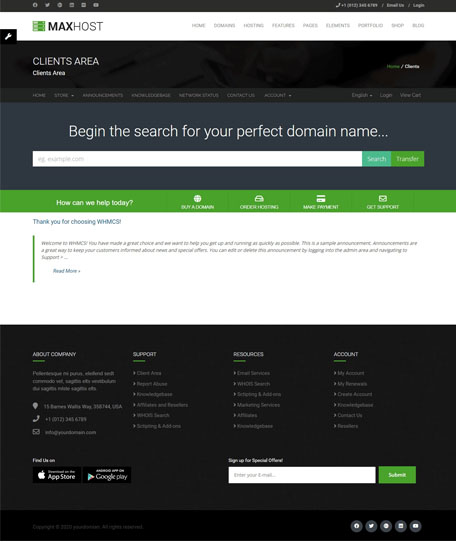 WHMCS Layout 02
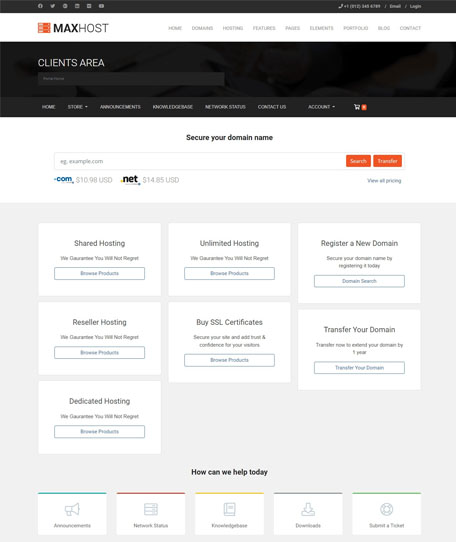 WHMCS Layout 03
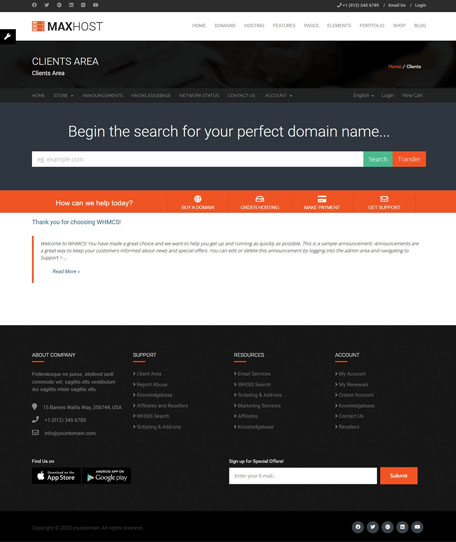 WHMCS Layout 04
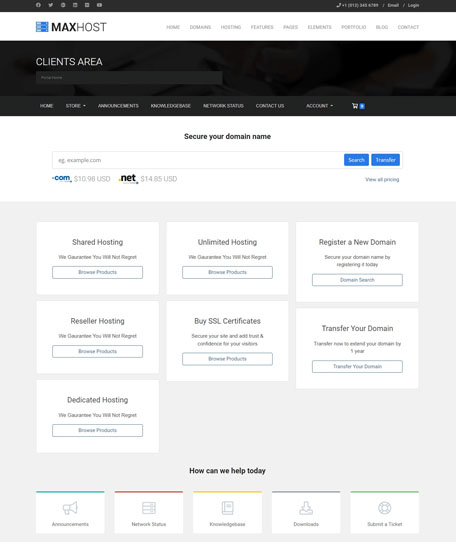 WHMCS Layout 05
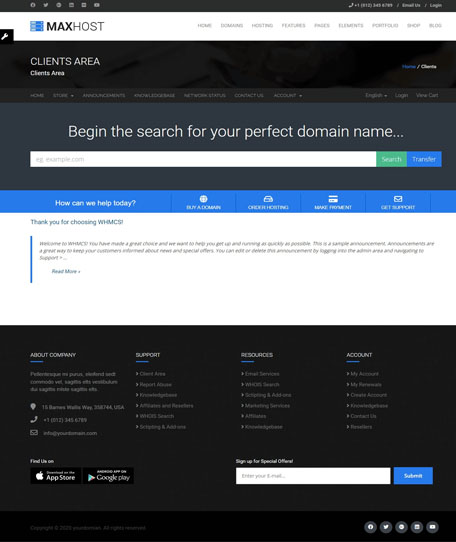 WHMCS Layout 06
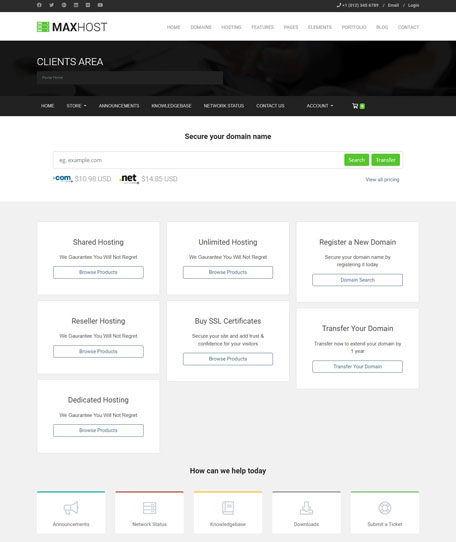 WHMCS Layout 07
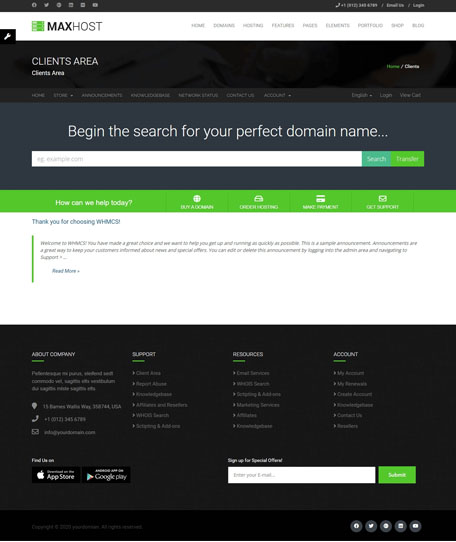 WHMCS Layout 08
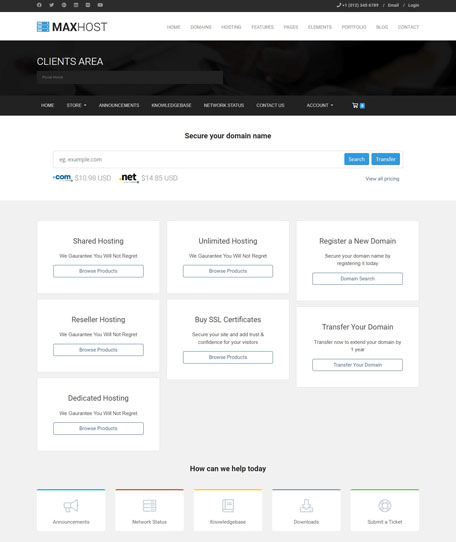 WHMCS Layout 09
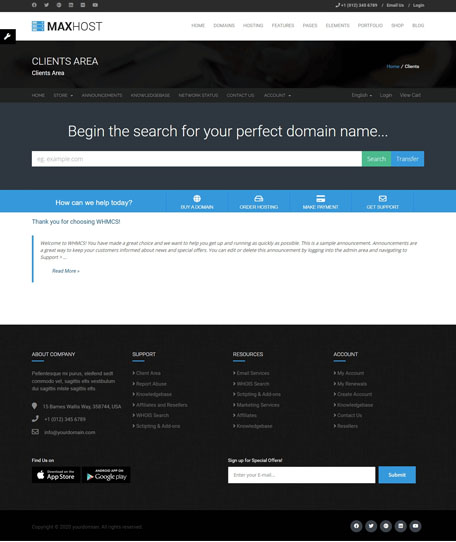 WHMCS Layout 10
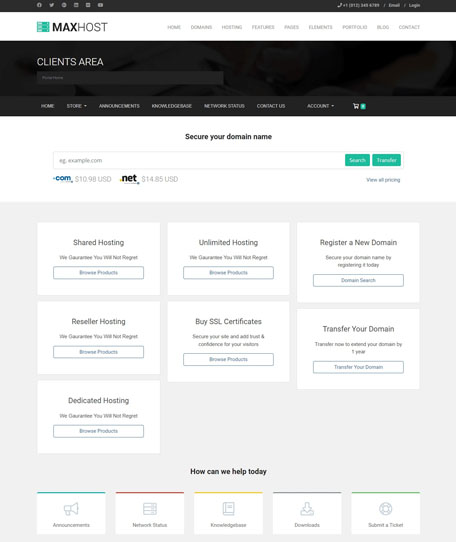 WHMCS Layout 11
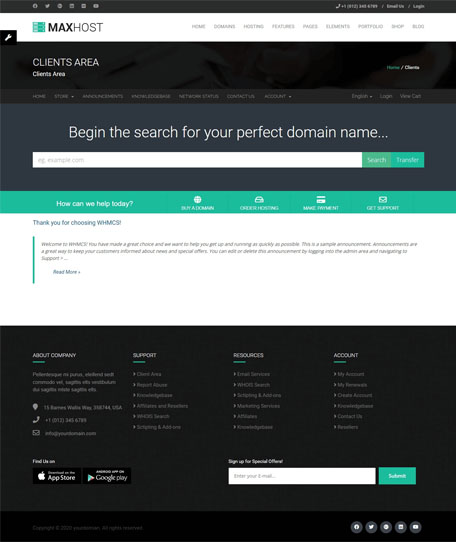 WHMCS Layout 12
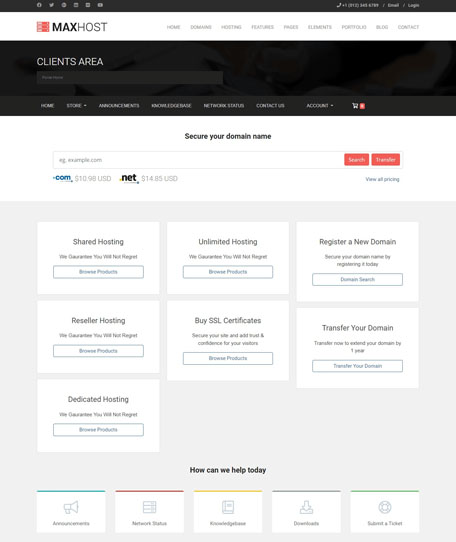 WHMCS Layout 13
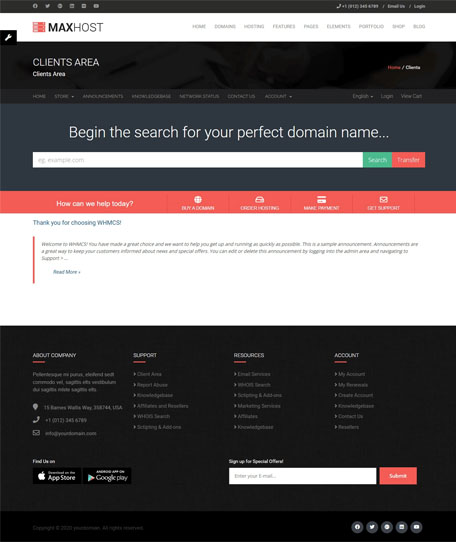 WHMCS Layout 14
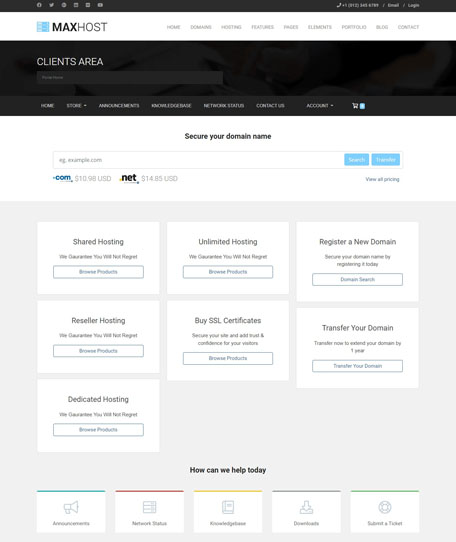 WHMCS Layout 15
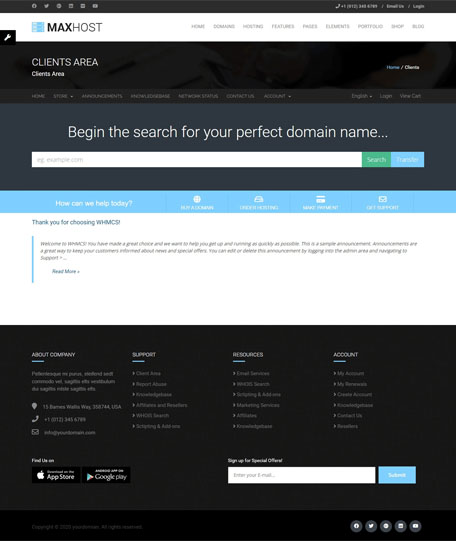 WHMCS Layout 16
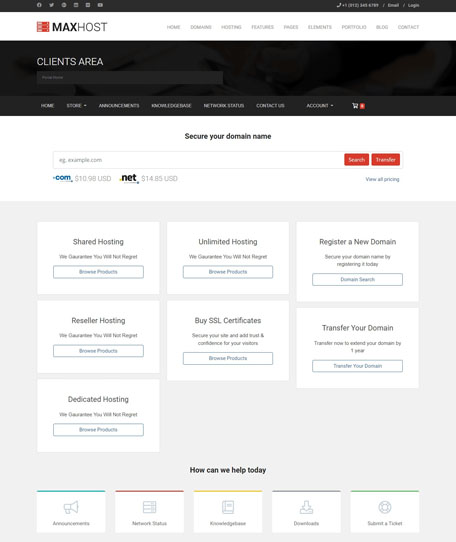 WHMCS Layout 17
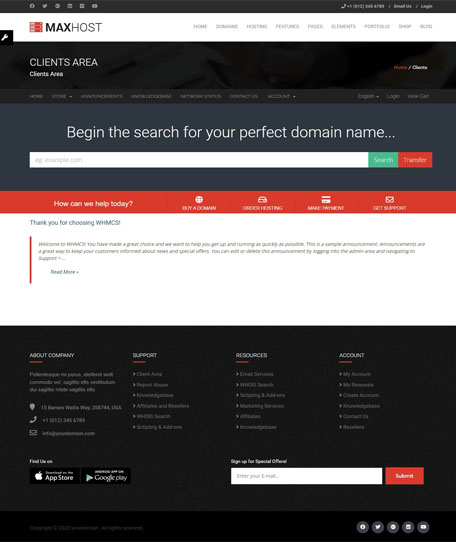 WHMCS Layout 18
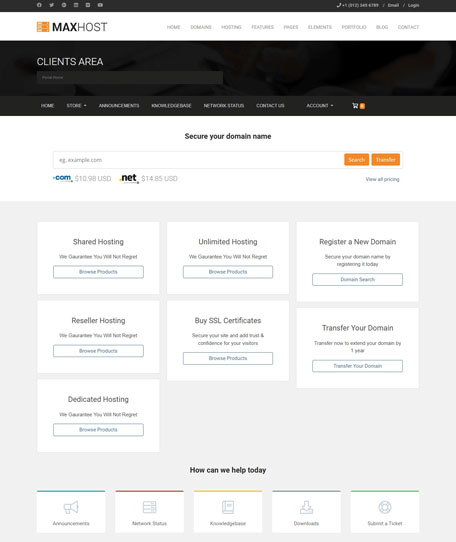 WHMCS Layout 19
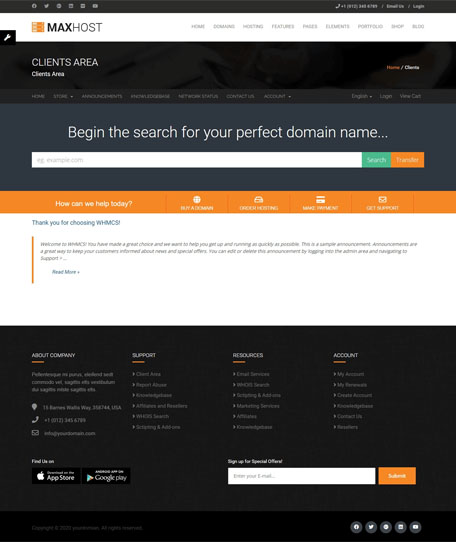 WHMCS Layout 20
Use hosting-specific sections to move visitors from service discovery toward domain checks, plan comparison, support, and purchase decisions.
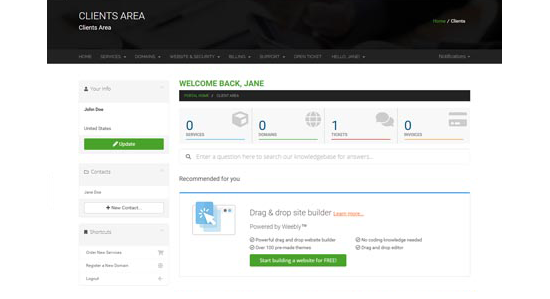
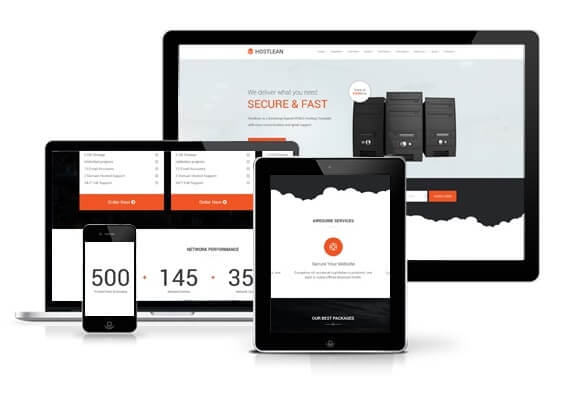
Agencies and site owners can start from imported templates, then adjust sections with familiar page-building tools.
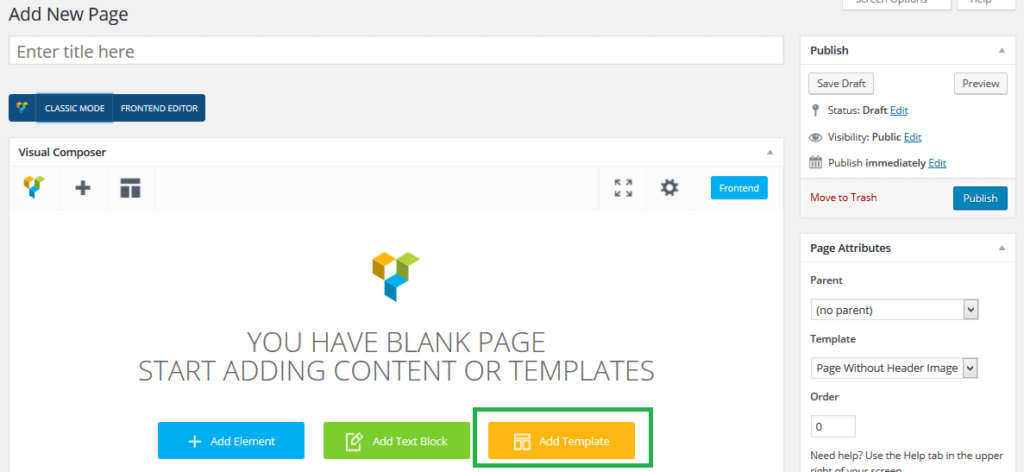
Present more than hosting plans: add store products, newsletter capture, customer support touchpoints, and rich sliders where they help the buyer journey.
Useful for add-ons, services, bundles, or non-WHMCS store products.
Capture leads from hosting offers, newsletter sections, and campaign pages.

Connect email marketing workflows with hosting-site lead generation.
Give hosting visitors a fast route to pre-sale and technical questions.

Build stronger hero and campaign sections where visual impact matters.

Keep billing and client-area presentation aligned with the WordPress site.
These cards replace scattered feature claims with buyer-facing proof: what the feature does and why it matters for a hosting provider or agency.
Use matching templates for WHMCS cart, billing, and client-area screens so visitors do not feel dropped into an unrelated interface.
Elementor widgets and WPBakery modules support faster customization for agencies, freelancers, and business owners.
Route hosting visitors toward domain availability checks and plan choices with familiar hosting sales components.
Present shared hosting, cloud, reseller, SSL, servers, support, and package comparisons with purpose-built sections.
Keep plan comparison and demo previews readable for users evaluating hosting services from phones and tablets.
Documentation, video tutorials, and the official support path reduce uncertainty before and after purchase.
Launch a professional web presence with hosting-specific demos, pricing sections, and domain-search components.
Keep the marketing site and client-area screens visually connected for a more consistent buyer experience.
Start client projects from niche-ready layouts instead of adapting unrelated corporate themes.
Present hosting, cloud, SSL, domain, or support packages with a service-focused WordPress theme.
MaxHost is positioned for hosting providers who care about WordPress, WHMCS, WooCommerce, and builder compatibility. Keep this section updated whenever the ThemeForest item details change.
The purchase CTA points buyers to the official Envato/ThemeForest purchase route used by the existing demo page.
The support and documentation links route visitors to the official MaxHost knowledgebase and support entry points.
Grouped demos help buyers inspect homepage options, WHMCS styles, and hosting components before committing.
Explore the layouts, confirm the WHMCS and builder fit, then purchase through the official ThemeForest item page for a valid license and support eligibility.